Product rendering on the Mac.
KreaRENDER traces every light path on your Mac's GPU. Load a model, pick an environment, export the image.
Coming soon HomeDraftRender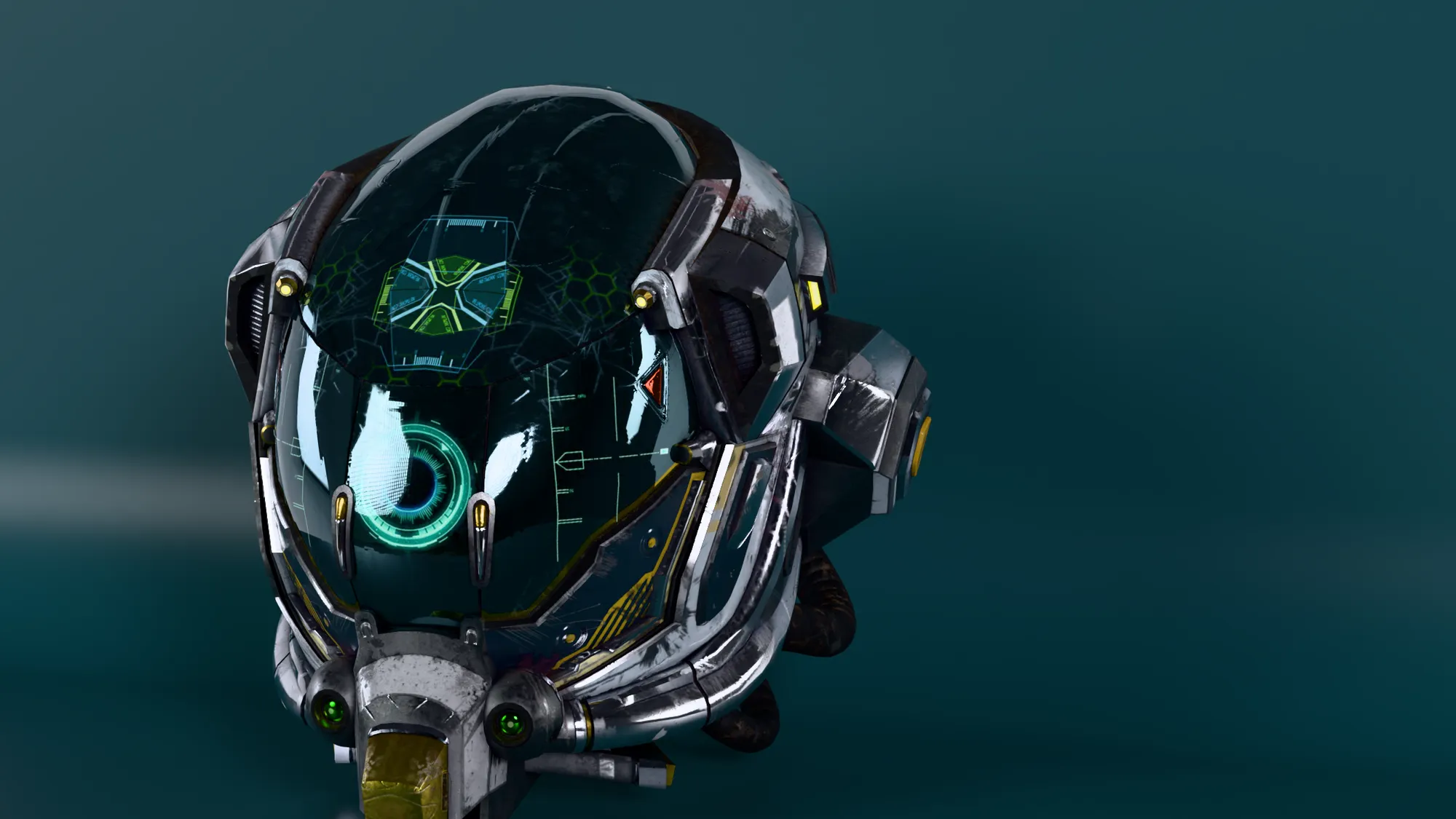
- Material
- Original
- Light
- Large softbox
- Environment
- Small studio
A re-creation of the interface; nothing is rendered in your browser. The final image comes from the app: 6000 × 3375 pixels, 512 passes, 43 seconds on an M4 Max, cropped.
Materials that behave like the real thing
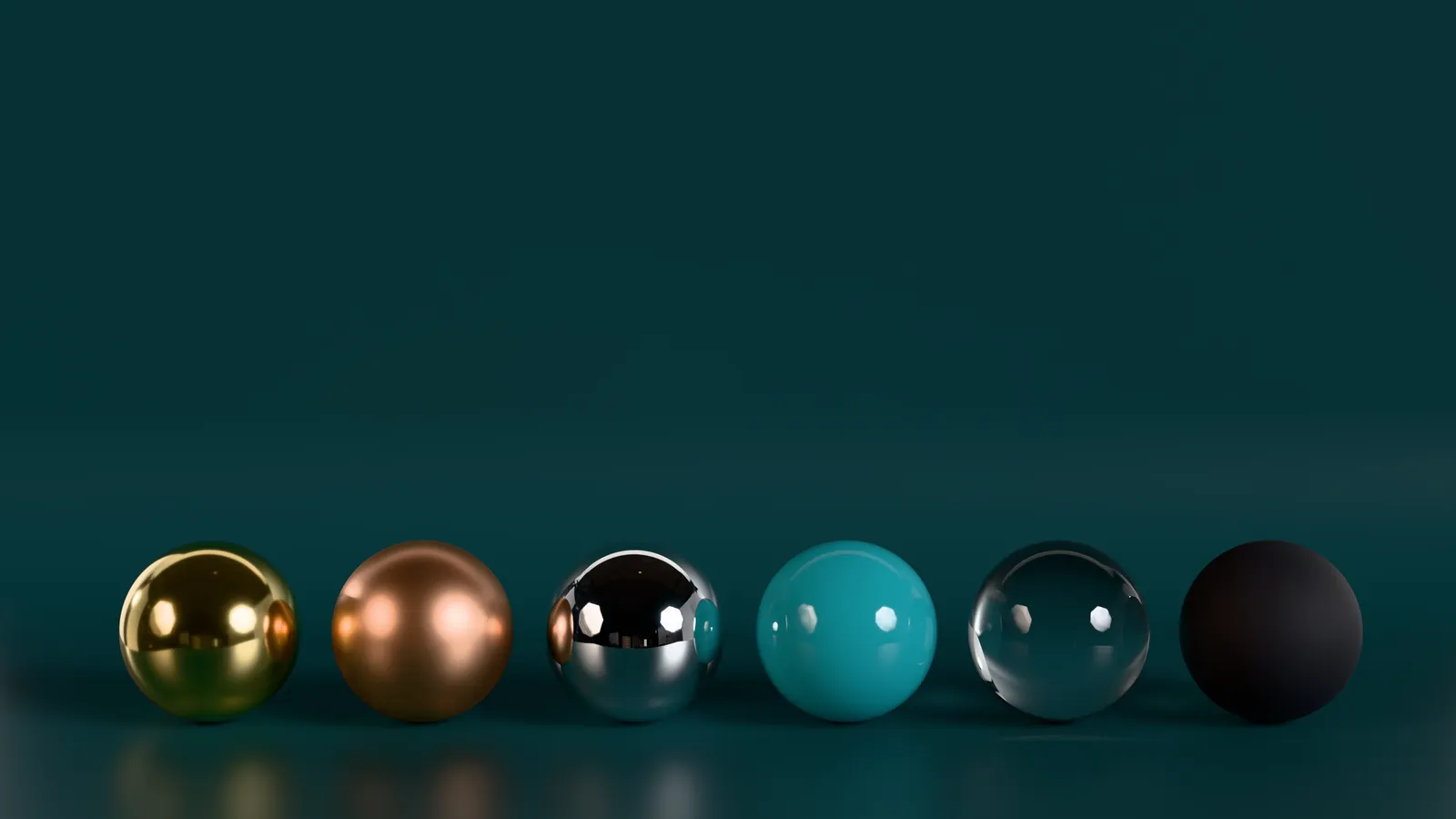
Metal reflects, glass refracts, paint carries its own clear coat. The material library is sorted into categories and shows every preset as a rendered sphere. Anisotropy, sheen and coating are all adjustable.
Path tracing runs as a compute shader on Metal. As a check, six test scenes were also rendered in Blender Cycles with the same camera and lighting, then compared image by image.
A clean image, sooner
Both halves show the same image after just 16 passes: raw on the left, denoised with Open Image Denoise on the right. Drag the handle to compare.


Measured at 64 passes on the same helmet: deviation from an 8192-pass reference (RMSE) 0.0087 raw, 0.0053 denoised.

Motion from the model file
KreaRENDER finds the animations stored in a GLB and gives each one a slider. Open a lid or extend a mechanism without touching the file. Moving parts stay separate objects.
The case was built for this page; the images show eight positions, each rendered separately. Bones and morphs are detected but do not play yet.
Draw instead of render
Drawing mode turns the same scene into an illustration: ink, pencil or chalk.


Ready before the model arrives
- 43 environments
- 17 scenes
- 32 decals per scene
Studio backdrops, tabletops, plinths, a trade-show wall and a gallery room, each with matching lighting. Spot and area lights are available as presets. While a render runs, the live view shows the image taking shape and the interface stays responsive.
What you get out
Layered PSD
Background, shadow and model on separate layers, plus mask, depth, normals, base colour, and object and material IDs.
Multichannel EXR
R, G, B, A, Z, albedo, normal, mask, object ID and material ID in one file, ready for compositing.
PNG, JPEG, TIFF
With the background off, PNG and TIFF keep the cut-out model and its shadow in the alpha channel.
Web GLB in tiers
Export from High down to Mobile. Textures are merged and scaled down, and lighting and ambient occlusion can be baked in. Geometry stays untouched.
Render queue
Set up jobs per camera and turntable, choose size and quality, then let everything render in sequence.
Control via MCP
An AI can drive the app through an MCP server and a local control channel: build a scene, assign materials, export an image.
Coming soon
KreaRENDER isn't available yet. If you'd like to hear when it is, or want to look at it for a specific project, send a short email.
grimm@kreatika.deAll images were rendered in KreaRENDER and only cropped. Helmet: “Battle Damaged Sci-fi Helmet” by theblueturtle_, CC BY 4.0, from the Khronos Group glTF samples. Case, spheres and backdrop: our own models. Environments: Poly Haven, CC0. Fonts: Anton, Unbounded, Manrope, JetBrains Mono, Newsreader, Geist, all under the SIL Open Font License. Open Image Denoise is an Intel project; Blender is a trademark of the Blender Foundation.